From the blog
Tommy Hilfiger Order Not Updated? Check Payment Proof
After payment is completed, the order page doesn't update immediately. The most important thing to avoid is paying again or resubmitting the order before the st...
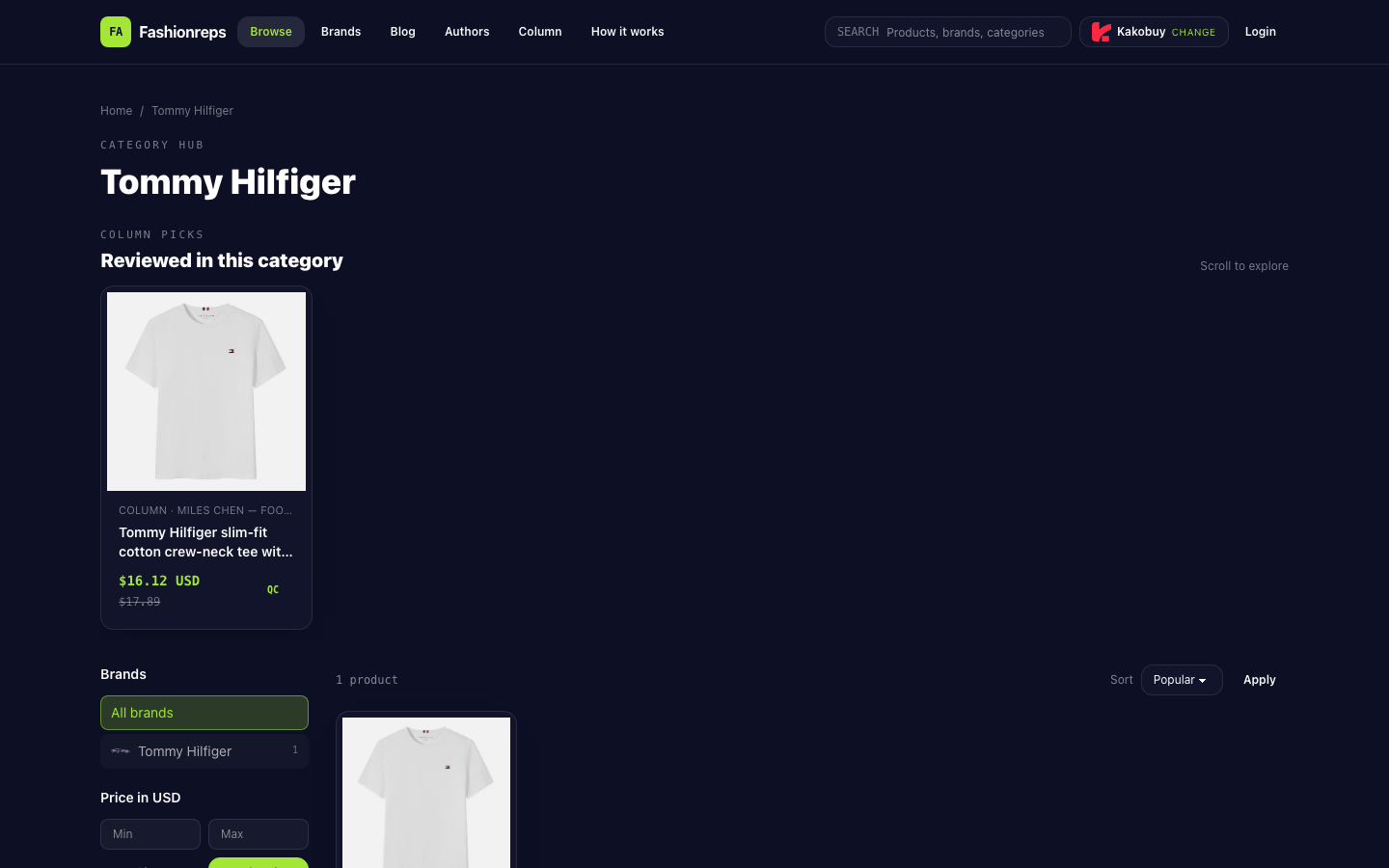
After payment is completed, the order page doesn't update immediately. The most important thing to avoid is paying again or resubmitting the order before the status is confirmed. Fashionreps' Tommy Hilfiger page mainly provides product information and available purchasing agent entry points; orders, payments, and logistics are handled by external agent websites. Therefore, you cannot determine whether the payment was successful based solely on the Fashionreps page, nor can you assume that the target agent has malfunctioned.
First, Secure the Current Evidence
Before refreshing the page, closing the payment window, or contacting customer service, save the following information:
- The result shown on the payment page or payment channel, such as success, processing, failure, or incomplete.
- Order number, cart number, or payment reference number. If there is no number, record the approximate time the order was submitted.
- The style, color, size, and quantity of the Tommy Hilfiger item to avoid mixing up different orders.
- The actual amount shown, currency, payment time, and payment method used.
- The status visible on the agent website's order page, account balance, transaction records, or payment channel billing.
- Screenshots or original text of page prompts, error messages, and email notifications.
Don't just save a screenshot showing "payment successful." The screenshot needs to show the time, amount, currency, or transaction reference information; otherwise, it will be difficult to match it with the order record.
Check Three Sets of Status in Order
1. First, Check the Payment Channel Result
Confirm which status the payment channel gives: completed, processing, canceled, refunded, failed, or no clear result on the page. A debit record appearing in the bank or payment app does not automatically prove that the agent website has created or updated the order; similarly, no change on the order page for the time being does not mean the payment definitely failed.
If the payment channel shows processing, keep the transaction record and do not pay again immediately. The most important thing at this point is to record the transaction reference number and time, and wait to see whether the status changes to completed, failed, or canceled.
2. Then Check the Agent Website's Order Page
Log in to the external agent website that actually processes the order, and check the order list, order details, and payment records. Key things to check:
- Whether a corresponding order number exists.
- Whether the product variant, quantity, and amount match what was just submitted.
- Whether the order shows pending payment, paid, processing, canceled, or another status.
- Whether the account balance has changed.
- Whether there is a duplicate order with the same amount and a similar time.
If the order page shows pending payment but the payment channel already shows completed, do not rush to click pay again. First, save evidence from both sides, and confirm through the agent website's support channel whether this transaction has been posted.
3. Finally, Check the On-Site Balance or Transaction Records
Some agent websites record the account balance change first and then update the specific order; others may only show the payment result in the order details. Check the balance change and transaction details separately, and note whether the amount is in the same currency, and whether there are fees, exchange rate conversions, or differences between the authorized amount and the final charged amount.
The currently verifiable Fashionreps page shows Tommy Hilfiger product categories and external purchasing agent entry points, but it does not provide payment records for this order, nor does it have evidence that an agent's order status synchronization has failed. Therefore, it is impossible to confirm whether the deduction has been posted, or to determine the specific reason for the delay.
Use a Record Table to Avoid Repeated Judgments
| Check Item | Facts Seen | What Still Needs Confirmation |
|---|---|---|
| Payment channel | Success, processing, failure, or no clear result | Whether it ultimately settles, cancels, or refunds |
| Order page | Order exists, no order, or status not updated | Whether the order corresponds to the current item and amount |
| Balance and transaction records | Deduction present, no deduction, or incomplete record | Whether it has been linked to the order |
| Notification information | Received or not received email, in-site message | Which order the notification corresponds to |
Only fill in what the page actually shows. Do not write "should have been updated" as "has been updated." If the three sets of records contradict each other, keeping the original screenshots and timeline is more helpful than refreshing repeatedly.
When to Contact Official Support Channels
Since orders and payments are handled by external purchasing agents, you should contact the official support channel of the agent website that actually received the payment or created the order, not just the product catalog page. In a support request, you can provide the following at once:
- Order number or payment reference number.
- Product name, color, size, and quantity.
- Amount, currency, and payment time.
- Status shown by the payment channel.
- Status shown on the order page, balance, or transaction records.
- Relevant screenshots, with full card numbers, passwords, verification codes, and other unnecessary sensitive information masked.
The problem description should clearly state that "the payment result is inconsistent with the order status," and ask the other party to confirm whether the payment has been received, which order the payment corresponds to, and whether you need to wait for synchronization, a refund, or manual linking. Do not submit multiple tickets with the same content at the same time, to avoid duplicate processing records.
Stop Operating When These Situations Occur
If any of the following situations occur, you should pause paying again, resubmitting the order, or changing the payment method:
- The payment channel shows completed, but the order page still shows pending payment.
- The account balance has decreased, but there is no clear correspondence to the order.
- An order number exists, but the product, amount, or currency does not match.
- The payment channel shows processing and has not yet changed to completed or failed.
- After a page error, it is impossible to confirm whether the request has been submitted.
- Two debit records with the same or similar amounts have already appeared.
Stopping the operation does not mean the order is definitely successful, but rather avoiding further losses before the facts are confirmed. Only when the payment channel, order records, and agent support replies can correspond to each other, or the original transaction clearly fails, cancels, or refunds, is it appropriate to judge whether a new order is needed.
Conclusion
When the order status does not update after payment, first save the evidence, then check the payment result, order page, and balance or transaction records in order. Fashionreps' product page cannot replace the order and payment records of the external agent, and it is not sufficient to prove that the agent website has malfunctioned. As long as the payment status and order status remain inconsistent, suspend repeated payments, and submit the order number, amount, currency, time, and screenshots to the official support channel of the agent that actually received the payment.
Continue reading