From the blog
The North Face Tracking Stuck: What to Check
If a package has a generated waybill but the logistics page shows no new updates for a long time, don't immediately assume the package is lost, and don't rush t...
If a package has a generated waybill but the logistics page shows no new updates for a long time, don't immediately assume the package is lost, and don't rush to ship again or pay again. First, save the order number, waybill number, shipping route, destination, and last query time, then troubleshoot in the order of "warehouse status, carrier records, address information, and route restrictions."
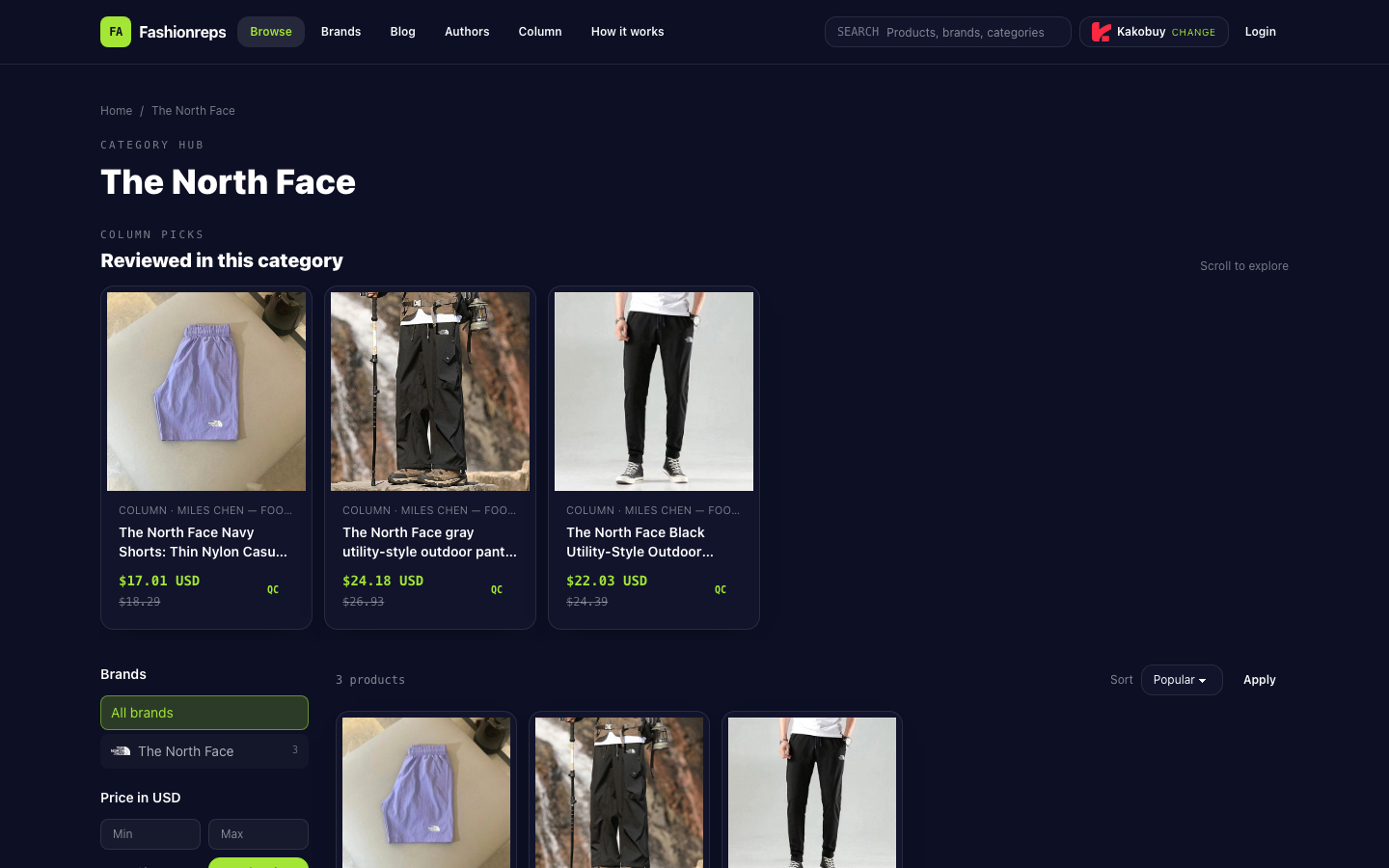
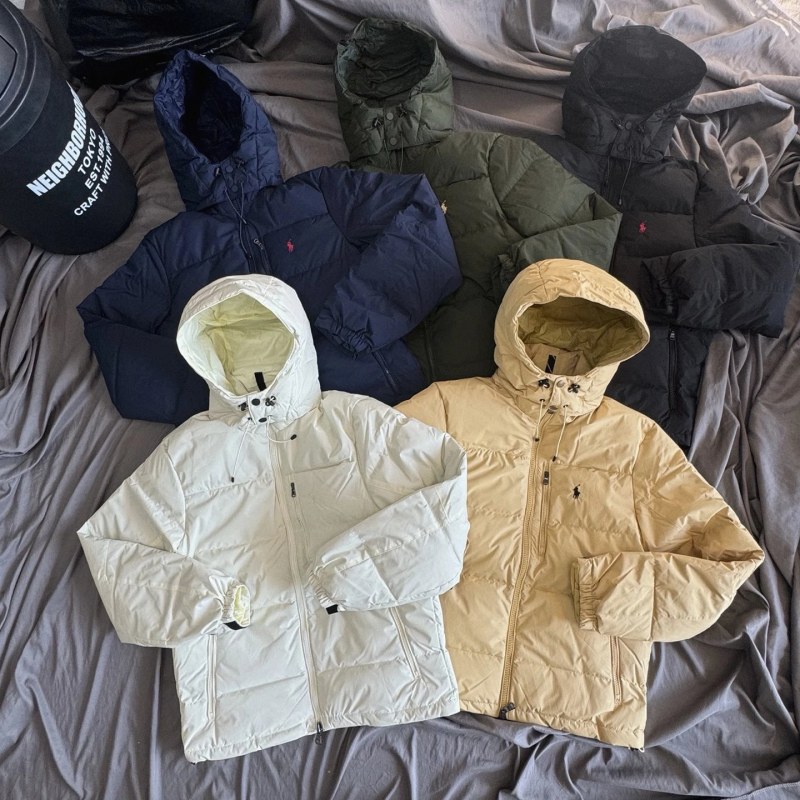
Image: Fashionreps' The North Face product catalog page. This page can be used to confirm the products displayed and the purchase process on the site, but it cannot prove the current shipping location or logistics status of a specific package.
First Confirm Whether the Package Has Actually Left the Warehouse
"Generated waybill" does not necessarily mean the package has been handed to the carrier. First, go back to the order or shopping agent backend and distinguish the following statuses:
- Only generated waybill or label created: There may not yet be a first carrier scan record.
- Warehouse shipped or handed to carrier: The warehouse side shows the package has left the processing stage, but subsequent nodes still need to be confirmed with carrier records.
- In transit but no updates for a long time: It could be that there are no new public scans during transit, or it may be necessary to further check the route or waybill.
- Address exception, return, or waiting for additional information: Priority should be given to handling the address and recipient information, and do not create duplicate orders.
If the backend only shows a waybill number without shipping time, carrier name, or handover records, the current evidence is insufficient to confirm that the package has entered the actual shipping process.
Check Four Items in Order
1. Verify the Waybill Number and Carrier
Check the waybill number character by character, paying special attention to numbers and letters, uppercase/lowercase, and whether the beginning or end is truncated. Confirm that the carrier corresponding to the query page matches the route shown in the order. Do not rely solely on the shopping agent page; it is best to also check the carrier's own query results.
If the carrier's official website says the waybill number does not exist, but the warehouse page shows it has been shipped, first save screenshots and query times from both pages. This contradiction needs to be confirmed by the order service provider or route service provider, and cannot be used to conclude that the package is lost.
2. Verify the Last Visible Node
Record the time, location, and original status text of the last scan. Focus on distinguishing:
- Label created but no pickup scan;
- Picked up but not left the processing center;
- Left the origin but no new transit records;
- Arrived at destination and waiting for customs clearance, delivery, or address handling.
The page shows publicly available scan records, not the carrier's current real-time location. No new nodes only means that the public page temporarily has no new information, and cannot directly infer that the package has stopped moving.
3. Verify Route Restrictions and Destination Information
Confirm whether the route covers the recipient's country or region, and check whether the recipient's name, street, city, postal code, and phone number are complete. If the destination information is incorrect, the sooner you contact the order service provider, the more valuable it is, because once the package enters subsequent transit or delivery, the possibility of modification may decrease.
The existing product catalog information can only prove that Fashionreps displays products and directs users to external shopping agents to handle orders, payments, and shipping, and cannot support any judgment about specific route transit times, inventory, shipping costs, or current package status. Therefore, when order and carrier records are lacking, no fixed update time or arrival date should be promised.
4. Record Query Times and Avoid Duplicate Actions
Each time you query, save the date, time, query platform, original status text, and screenshot. Refreshing the same page multiple times in a row usually does not produce new shipping evidence. Also, do not pay again, ship again, or regenerate the waybill just because the page temporarily has no changes, to avoid multiple orders or waybills that are difficult to distinguish.
When to Contact Official Support
In any of the following situations, gather evidence and then contact the official support channels of the ordering platform, shopping agent, or corresponding carrier:
- The waybill number is invalid on the carrier's official website, and the order page has shown shipped for a long time;
- The order page, carrier page, and route page show contradictory statuses;
- The address, postal code, phone number, or recipient information has errors;
- The page shows return, address exception, waiting for customs clearance, or need for additional information;
- No new scans for a long time, but you cannot confirm whether the package has completed handover.
When contacting, provide the order number, waybill number, route name, destination, last node, query time, and relevant screenshots all at once, and clearly ask one question: Please confirm whether the package has completed carrier handover, and whether additional information or address correction is currently needed. This is more likely to get an actionable reply than just sending "Why is it not updating?"
Stop Duplicate Actions Until Confirmed
Before official support confirms, it is recommended to pause the following actions:
- Paying the same order again;
- Duplicating shipping tasks for the same product;
- Deleting the original order or discarding the original waybill records;
- Treating shipping locations or estimated arrival times not shown on the page as certain facts;
- Judging a single update stop directly as a lost package or platform malfunction.
The safest judgment order is: first confirm whether the warehouse has marked the package as shipped, then verify whether the carrier has a valid waybill and first scan, then check the address and route restrictions, and finally contact official support with complete evidence. Fashionreps' product catalog page cannot replace the order backend or carrier records, so it is impossible to judge the actual shipping status of a specific The North Face package from catalog information alone.
Continue reading