From the blog
Rhude Color Variant vs. Order Record Mismatch: First Verify
First, Determine Which Type of Inconsistency You're Facing If the color or style name for a Rhude item differs between the product page, cart, and order record,...
First, Determine Which Type of Inconsistency You're Facing
If the color or style name for a Rhude item differs between the product page, cart, and order record, don't simply wait for shipment, and don't assume you selected correctly based only on the main product image. First, confirm where the inconsistency occurs: in the variant selection on the product detail page, in the record after adding to cart, or in the order details after submitting the order.
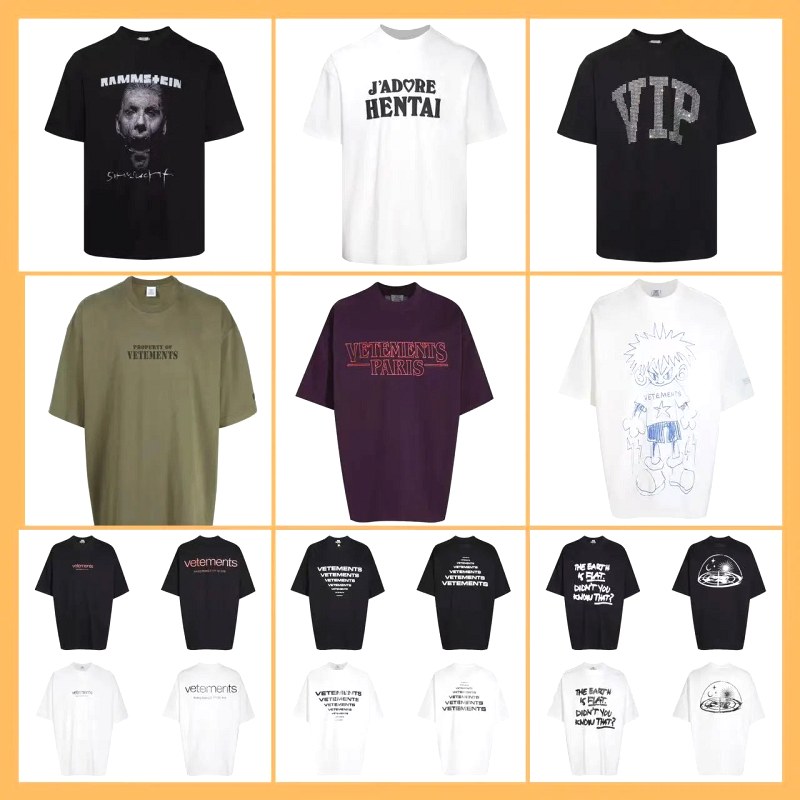
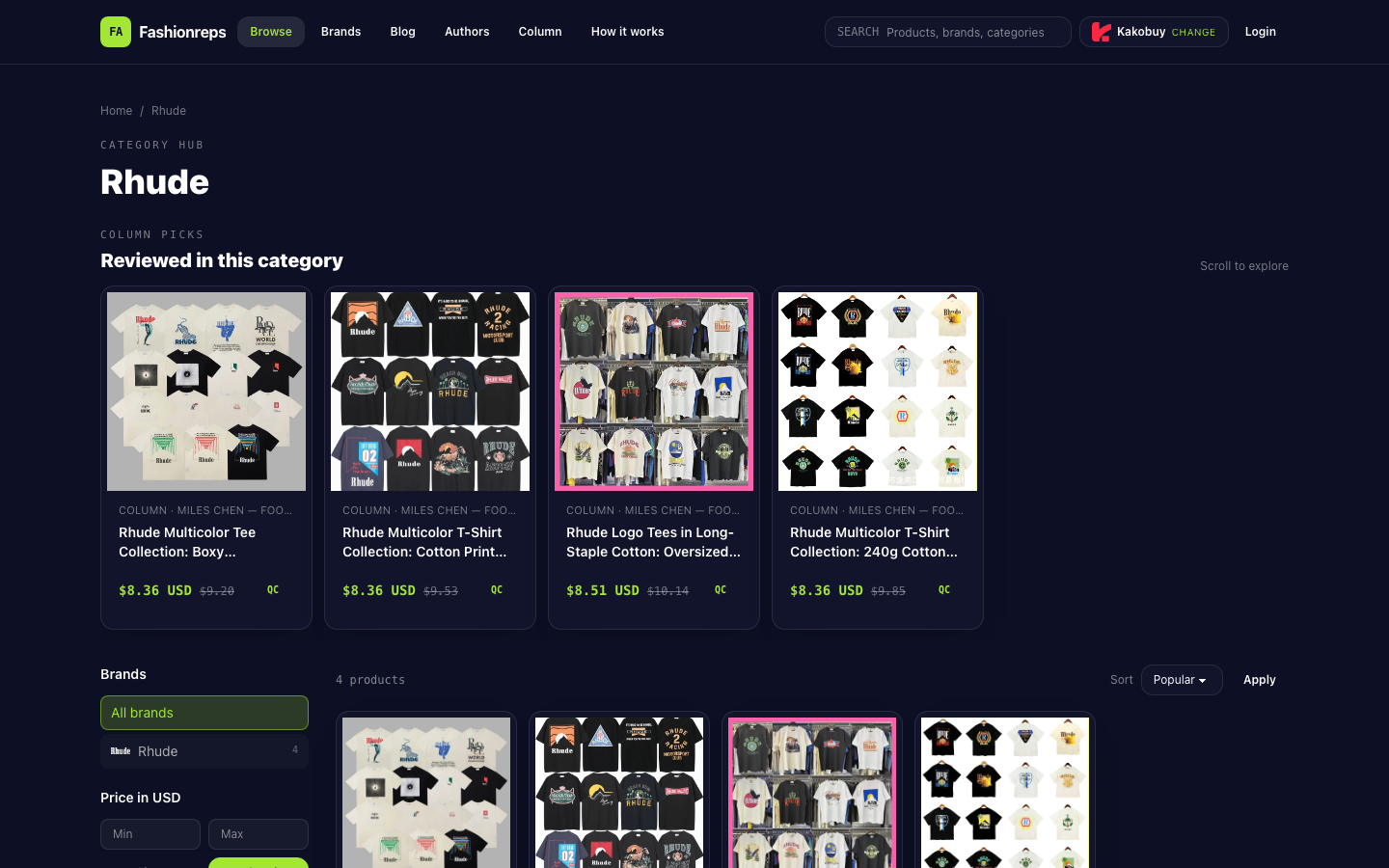
Currently, the verifiable Fashionreps Rhude category page shows 4 Rhude T-shirt product entries, with some titles including descriptions of fit, fabric, weight, color range, or print. For example, the page lists Boxy Streetwear Cut, Oversized, 220g, 240g, and Black/White/Apricot information. This is the product information displayed on the category page and cannot alone prove which color or style was actually selected for a particular order.
Save Four Types of Page Evidence First
Before refreshing the page, canceling the order, or contacting the purchasing platform, save all visible information. It is recommended to take screenshots or download page records and keep note of the access time.
- Product detail page: Save the product title, main product image, color or style options, size options, and identifiable product codes or link identifiers.
- Variant selection status: Separately save the selected color, style, and size. If the option name is only shown after clicking a thumbnail, keep both the thumbnail and the text.
- Cart page: Record the product name, variant, size, quantity, and price shown in the cart. Do not save only the product detail page, because the cart is one of the actual records before order submission.
- Order page: Save the order number, order details, product name, color or style, size, quantity, and current status. If the order details do not show the variant, capture that fact as well.
Screenshots should include context such as the top of the page or order number, not just a small snippet of color text, to ensure later identification of which product the screenshot corresponds to.
Compare Color, Style, Size, and Code in the Same Order
Do not guess color names and product titles separately. Compare item by item:
- First confirm that the product entries are the same. The Rhude category page has multiple T-shirt entries, and their names may all include Rhude, T-shirt, or Tee. Same brand does not mean same product.
- Then compare style descriptions. Check whether fit terms such as Boxy, Oversized, Relaxed Boxy are consistent; if the product title includes weight descriptions like 220g or 240g, also record whether they change.
- Compare color options and thumbnails. A color range in the title, such as Black/White/Apricot, only indicates that the entry displays those colors, not that a specific color was selected for the order.
- Compare size and quantity. Same size does not offset a color or style mismatch; the same product may form different order details due to different sizes, quantities, or options.
- Finally, check product codes or other unique identifiers. If the detail page, cart, and order page show different codes, prioritize the code difference as evidence when seeking help, rather than drawing conclusions based on image similarity.
You can use the following recording method to avoid mixing information from different pages:
| Check Item | Product Detail Page | Cart | Order Record |
|---|---|---|---|
| Product name or code | Record original text | Record original text | Record original text |
| Color or style | Record selected item and thumbnail | Record cart display value | Record order display value or note not shown |
| Size, quantity | Record selected values | Record pre-submission values | Record order values |
| Price and status | Record page display only | Record cart display | Record order display |
Distinguish Page Facts from Unconfirmable Shipping Results
If the product detail page shows Apricot and the order record shows White, what you can confirm is that the two pages have different records; you cannot directly assert that the warehouse will definitely ship the wrong color, nor can you infer inventory, shipping status, or actual packing results from the category page.
Similarly, the main product image color, the color range in the title, and the variant name in the order may not be the same field. Only if the order details clearly show the color, style, or corresponding code can you judge what the order record itself contains. If the order page does not show the variant, mark it clearly as "order record does not provide sufficient information" rather than self-completing.
The Fashionreps page states that the purchase button will redirect to the selected external purchasing agent; orders, payments, and logistics are handled by the agent's website. Therefore, Fashionreps' product category page can be used to verify product display information, but cannot replace the actual purchasing agent's order record, nor confirm the agent's warehouse picking result.
When to Seek Help Immediately
If any of the following occurs, it is recommended to pause subsequent operations such as payment, address change, package consolidation, or shipment submission, and first submit evidence to the purchasing agent that actually processes the order:
- The color or style in the order differs from the cart record.
- The order only shows the product title, and the specific variant cannot be confirmed.
- The product code changes between the detail page, cart, and order page.
- The page shows multiple similar Rhude T-shirt entries, but the order has no unique code.
- You cannot confirm which product entry the order corresponds to.
- The agent's backend already shows pending, purchasing, inbound, or QC, but the variant has not been verified.
When seeking help, submit the order number, product link, detail page screenshot, cart screenshot, order screenshot, and a clear problem description in one message. For example: "On the product detail page I selected a certain color, but the order details show a different color; please confirm the actually purchased variant and pause further processing until confirmation." Do not just send a description like "color is wrong," because the other party needs to know between which two pages the discrepancy appears.
Checklist of Operations to Stop When Unable to Confirm
Before the following information is complete, do not treat this order as a verified order:
- The order number corresponds to the product entry.
- The color or style name is clearly recorded in the order, or the agent has confirmed in writing.
- There is no conflict in size, quantity, and product code.
- Page screenshots can prove the discrepancy, not from different products or pages at different times.
- The actual purchasing agent has replied with a handling method, or the order status allows you to make necessary corrections.
If you only have the category page product title without the order page or cart record, the conclusion can at most be "this category page displays relevant Rhude products and some color and fit information," but cannot confirm your order options. In this case, save the existing evidence, pause irreversible subsequent operations, and verify through the actual purchasing agent's order support channel.
Continue reading