From the blog
cdg QC Link Mismatch: Verify the Right Product
When the cdg product detail page, QC entry, and images can't be matched one-to-one, don't treat the images as quality inspection evidence for the target product...
When the cdg product detail page, QC entry, and images can't be matched one-to-one, don't treat the images as quality inspection evidence for the target product, nor continue payment based solely on the product title or thumbnail. The correct approach is to re-establish the correspondence between product identity, QC entry, and images; if key clues are still missing, stop the process and submit complete records.
First determine which type of correspondence error the problem belongs to
Common situations include:
- The product detail page shows one style, but the QC images that open seem to be a different one.
- There are multiple products under the same brand, and the QC entry does not clearly show the product title or code.
- The colors, patterns, or fit in the images are inconsistent with the selected product.
- The page shows a QC images entry, but it's impossible to confirm which color or size the images belong to.
- The detail page link, product code, and QC records cannot be kept together, making later review impossible.
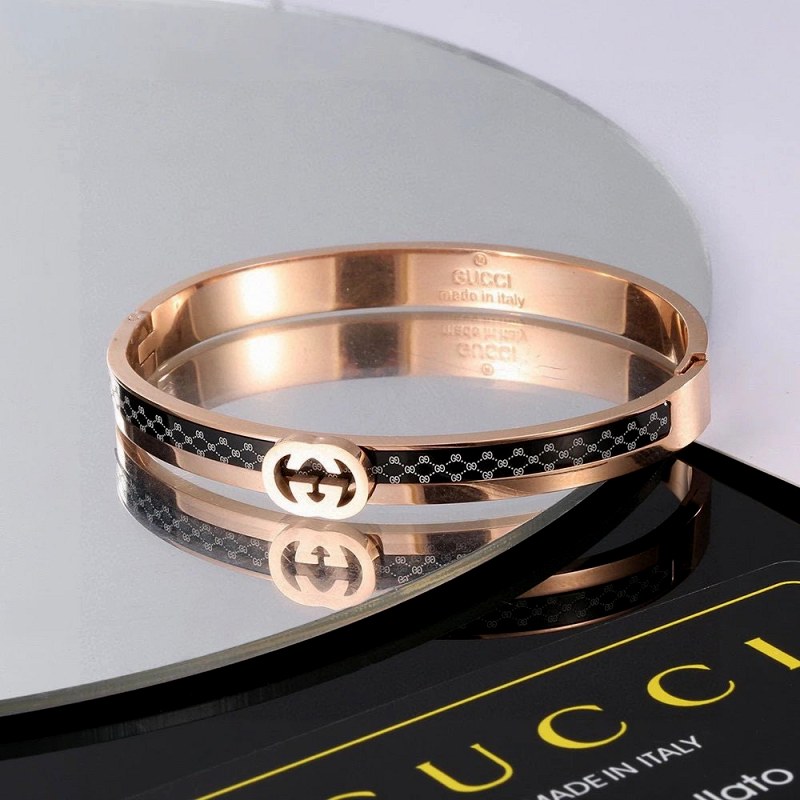
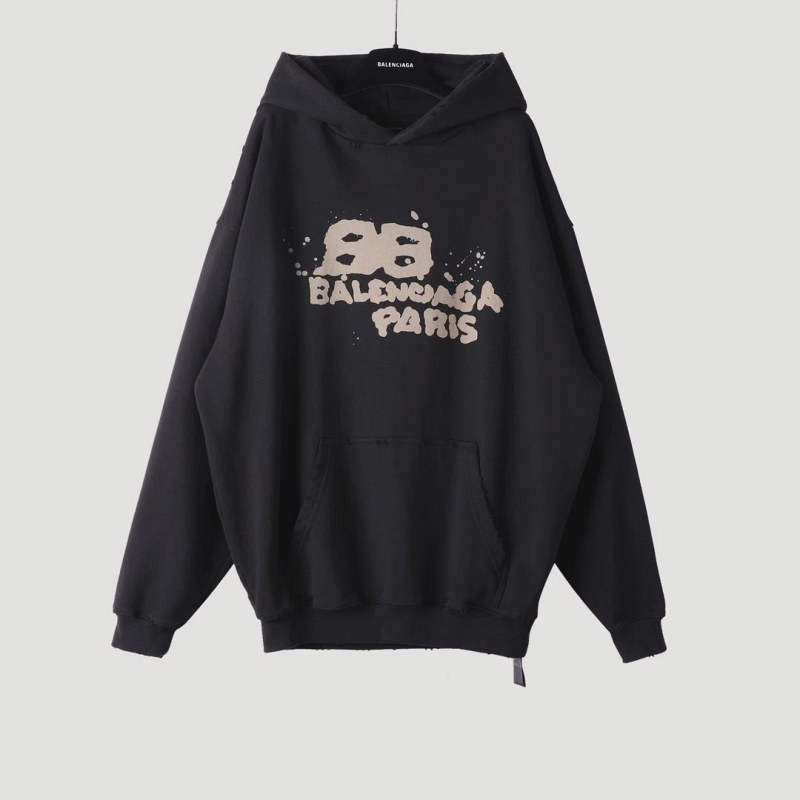
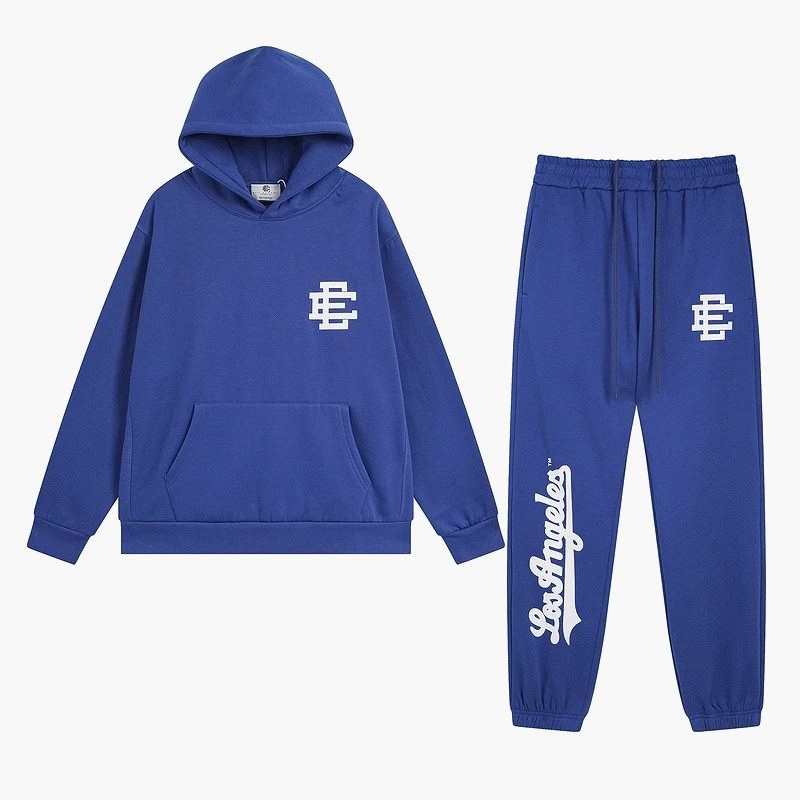
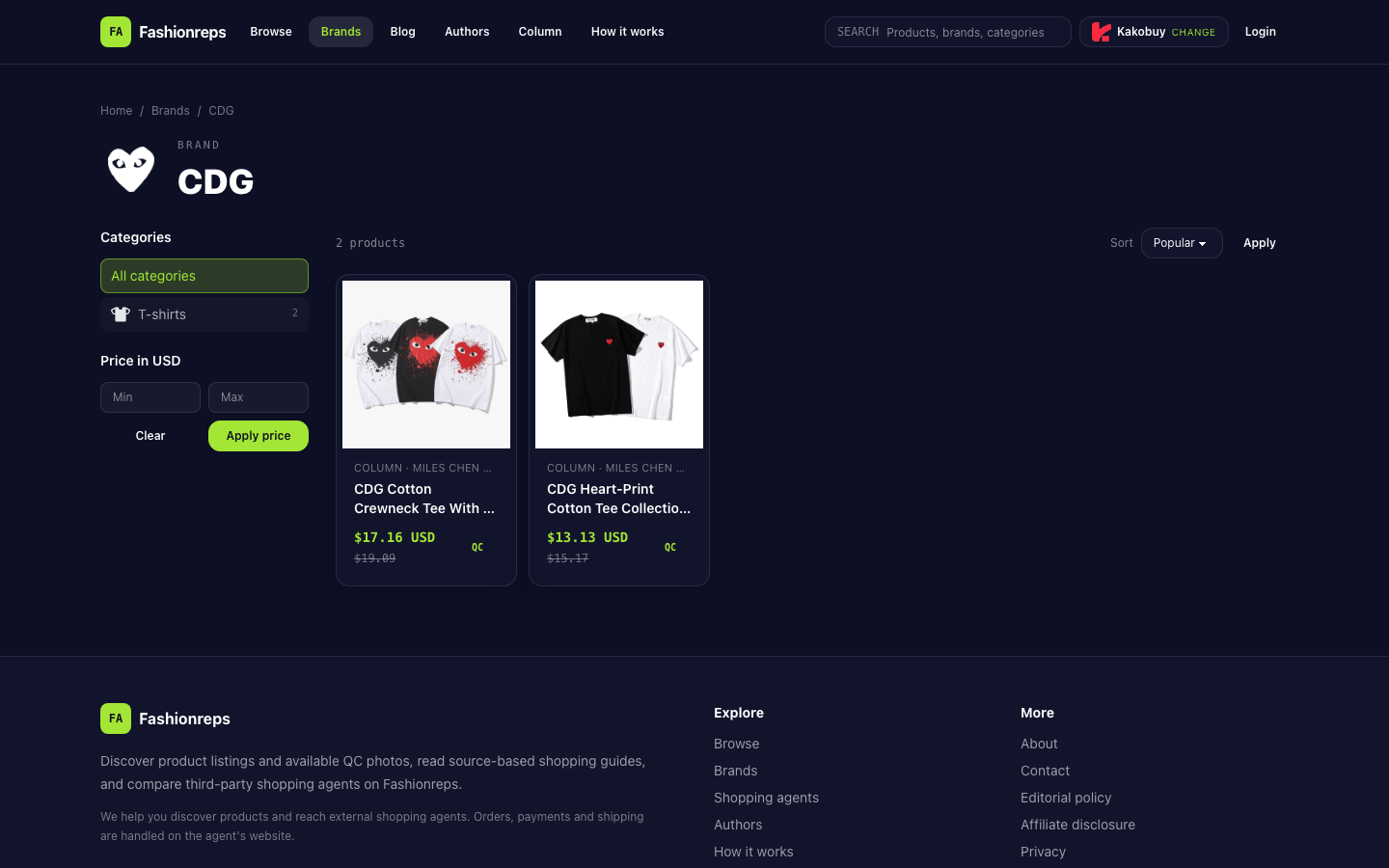
Fashionreps' CDG brand catalog page displays multiple product entries and provides QC photos entry. The catalog hierarchy only shows that the page contains products and a QC entry; it cannot alone prove that a set of images corresponds to the currently selected product, color, or size.
Re-enter QC from the correct product detail page
First go back to the detail page of the originally selected product; do not use a QC page from browser history whose source cannot be confirmed. Save the following information:
- Full product title
- Product code or the unique identifier shown on the page
- Product detail page URL
- Selected color and size
- Screenshot of the page before entering the QC entry
- Codes, colors, sizes, and time information visible on the QC page or in the images
Then check in this order:
- Confirm that the brand and style name on the current detail page match the original selection.
- Record the color and size, not just abbreviations like "black" or "M" detached from the product.
- Open the QC entry from that detail page again and observe whether the page retains the product title, code, or other association clues.
- Look through the QC images one by one for packaging labels, order labels, color markings, size markings, or page codes.
- Compare the visible clues in the images with the detail page records item by item, and mark separately the items that cannot be confirmed.
If after re-entering it still jumps to a set of images without product identity information, treat it as an incomplete correspondence, not as proof that the images belong to the current product.
Separate confirmed facts from unconfirmable items
The verification record can be organized as follows:
| Item | What can be confirmed | What still needs confirmation |
|---|---|---|
| Product identity | Title, code, detail page URL | Whether the QC images belong to that code |
| Selected specifications | Color, size, order options | Whether the images show the corresponding specifications |
| Image source | Which page was used to enter, the entry shown on the page | Whether the images are from the current order or current product |
| Purchase judgment | Whether correspondence clues exist or not between pages | Authenticity, actual quality, shipping status |
The correspondence between product title, page code, and image entry only shows that the information chain is relatively complete; it cannot confirm authenticity, actual quality, or that shipping is guaranteed. QC images also cannot replace confirmation of order status, inventory, and after-sales conditions.
How to ask for help when they still don't match
When contacting the support channel corresponding to the page or order, submit complete evidence at once; avoid sending vague problems like "QC not matching" that cannot be located. It is recommended to include:
- Product detail page screenshot
- Product title and code
- Color, size, and order options
- Detail page URL
- The path from the detail page to the QC entry
- QC page URL or screenshot
- Annotated images showing inconsistencies
- The specific question you want confirmed, for example, "Does this set of images belong to this product code and the selected color and size?"
Only ask the other party to confirm product identity and image attribution; do not interpret unverified images as proof of quality, authenticity, or readiness to ship. If the support channel cannot explain the correspondence between images and product, keep the communication records and stop further payment or additional actions.
These situations should prompt a pause in purchasing
If any of the following occurs, it is not appropriate to continue relying on this set of QC images for a purchase decision:
- Product codes are inconsistent between the detail page and QC page.
- Colors, patterns, or style in the images clearly do not match the selected product.
- Only images are visible, but the source page, order, or product code cannot be confirmed.
- After re-entering from the correct detail page, the same set of images cannot be reproduced.
- The support channel did not explain the correspondence, or asks to continue payment before identity is confirmed.
- You need to judge authenticity, quality, or shipping based on this, but the current evidence only supports that images exist, not these conclusions.
Pausing does not mean concluding that the platform or product is defective; it means the current evidence is insufficient to complete product identity verification. Wait until the detail page, product code, specification selection, and QC images correspond with each other, then continue evaluating whether to purchase.
Continue reading